



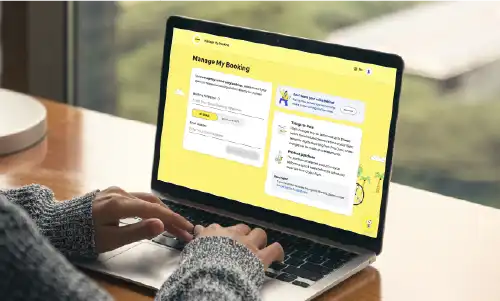


Booking your add-ons before your flight often gives you better value and more options to choose from. Some add-ons may sell out or no longer be available closer to departure, so it's worth planning ahead for a smoother journey.
Plan ahead,
travel easier

Plan ahead, travel easier

Baggage
Pre-purchase checked baggage at lower rates and better value before your flight.
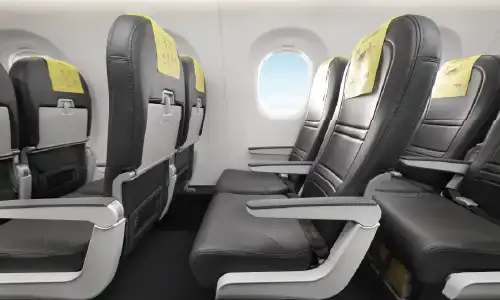
Seats
Pick where you'd like to sit and settle in comfortably.
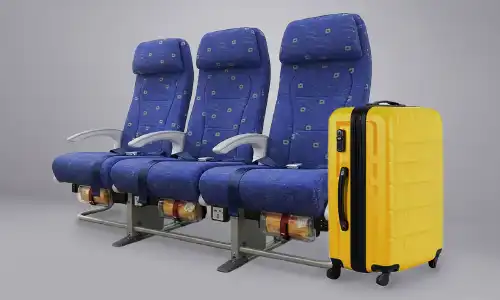
Fare Bundles
Bundle baggage, seats and flexibility to save more along the way!

Flexible Tickets
Add flexibility for unlimited flight changes or refundable options when life happens.

Scootsurance
Get covered for unexpected disruptions, so you can focus on the journey ahead.
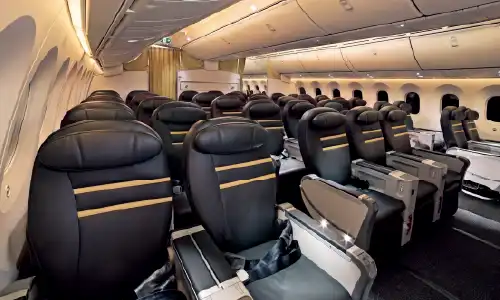
ScootPlus
Enjoy more legroom, priority perks, greater check-in allowance and a more relaxed ride.
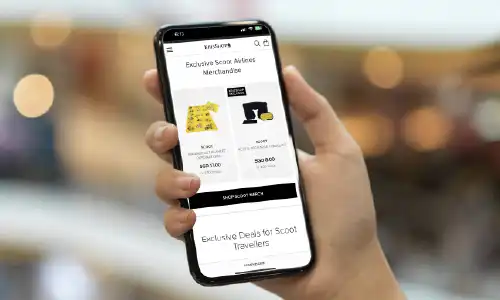
Krisshop
Browse exclusive deals online and collect your purchases before departure.
Where can I purchase each add-on?
Where can I purchase each add-on?
For the widest selection and best availability, we recommend purchasing your travel add-ons as early as possible. Popular extras such as seats, meals, baggage and ScootPlus upgrades may become limited closer to departure.
| During booking | Manage Booking | Online Check-in | Airport / Onboard | |
|---|---|---|---|---|
| Fare Bundles | ✔ | |||
| Baggage | ✔ | ✔ | ✔ | ✔ |
| Seat Selection | ✔ | ✔ | ✔ | ✔ |
| Meals | ✔ | ✔ | ✔ | ✔ |
| Scootsurance | ✔ | ✔ | ✔ | |
| Change Your Flight | ✔ | |||
| Cancel Your Trip | ✔ | ✔* | ||
| BoardMeFirst | ✔ | ✔ | ✔ | |
| Wi-Fi | ✔ | ✔ | ✔ | ✔ |
| Krisshop | ✔ | ✔ | ✔ | ✔ |
| Upgrade to ScootPlus | ✔ |
For more information on purchase cut-off timings and product-specific details, please visit the relevant product page above.
Frequently Asked Questions
Why should I purchase travel add-ons before my flight?
How can I purchase add-ons after booking my flight?
Most travel add-ons can be purchased after booking via Manage Booking, depending on availability and purchase deadlines.
Add-ons can be purchased up to:
- 2 hours before departure: Seats, Meals, Scootsurance, Wi-Fi, BoardMeFirst, Snooze Kit
- 3 hours before departure: Baggage, Cancel Your Trip, Change Your Flight
- 72 hours before departure: Merchandise
Why can't I see certain add-ons for my booking?
If you can't see a particular add-on, it's usually because availability varies based on your route, aircraft type and how close it is to departure.
Some add-ons are only available at specific stages of your journey:
Fare Bundles, Change Your Flight and Cancel Your Trip are only available during the initial booking process. - Wi-Fi and ScootPlus are only available on flights operated by Scoot's Boeing 787 Dreamliners.
Can I purchase add-ons for only one passenger in my booking?
It depends on the add-on you've chosen. Some add-ons can be purchased for individual travellers, while others apply to everyone in the booking.
What can be purchased for individual passengers:
- Baggage
- Seat selection
- Meals
- Wi-Fi
- BoardMeFirst
What can only be purchased for all passengers within the same booking:
- Scootsurance
- Change Your Flight
- Cancel Your Trip
- ScootPlus upgrades
Can I change or cancel an add-on after purchase?
Most add-ons can't be refunded after purchase. For details that apply to your specific add-on, please check the product page before you buy.
What happens to my add-ons if Scoot changes my flight?
f your flight changes, we'll do our best to transfer your pre-purchased add-ons to your new flight. If the exact option isn't available, we'll offer the closest suitable alternative where possible.
If your booking was made through a third-party and is linked to the travel agency's email address, you may not be able to access Manage Booking. Please contact your travel agency for assistance.
If we're unable to provide a suitable alternative, don't worry. You may be eligible for a refund, and our team will be happy to help with your request. To submit a refund request, please reach out to us via:
Where can I find information about all fees?
Visit the Scoot Fees Chart for the latest fees for baggage, seat selection, flight changes and all other travel-related fees before your trip.